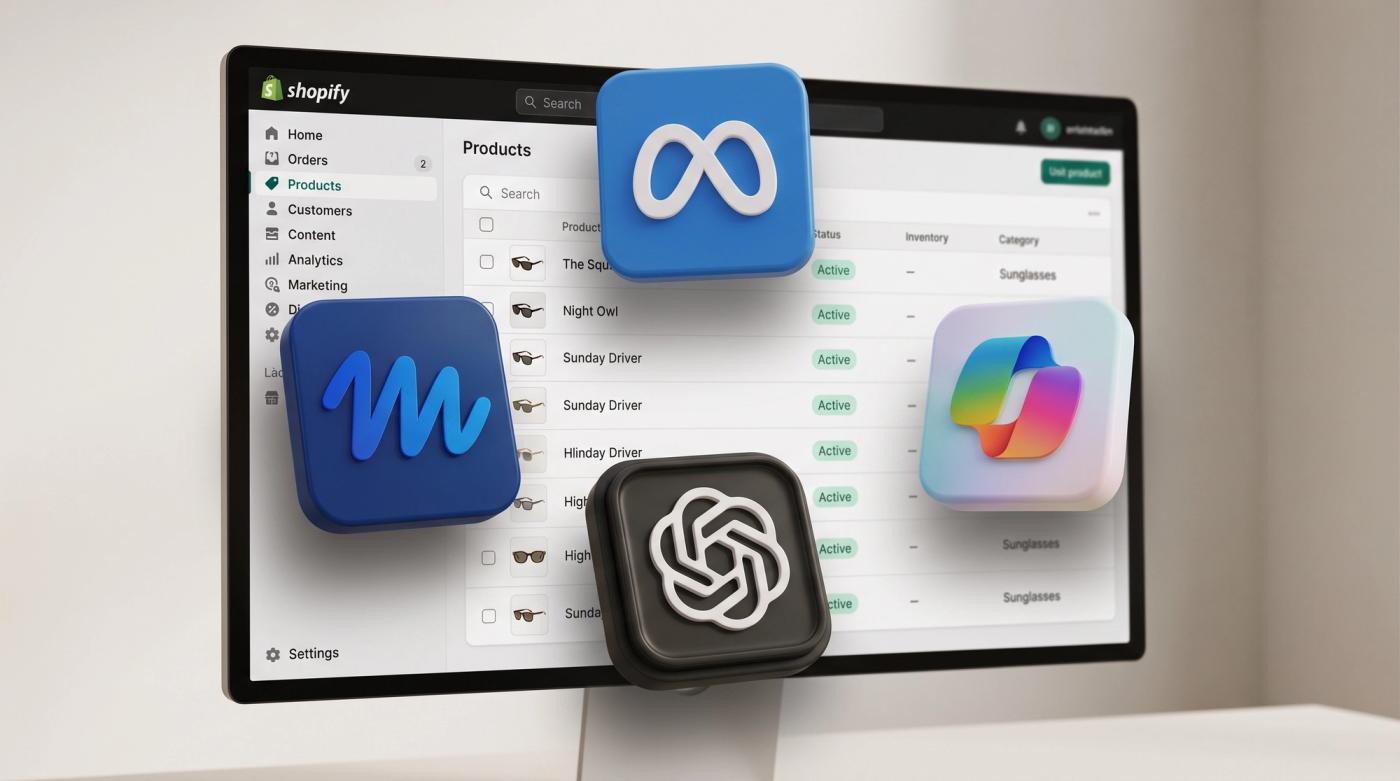
If you've been reading about AI shopping you've probably come across advice about JSON-LD, GEO apps and AI apps that promise to get your products into ChatGPT. It's easy to come away thinking there's a long list of technical work to do, but most of it is already handled by Shopify. Your products reach ChatGPT, Google AI Mode and Gemini, Microsoft Copilot and Meta through Shopify Catalog. Shopify builds it from the product data already in your admin and switches it on for you.
What Shopify can't do is organise that product data properly, and that's where most stores need work. If your products are sorted with tags, have no category or have their details buried in the description, an AI has much less to go on when it decides whether your product matches what someone asked for.
Key takeaways
- Shopify already shares your products with AI shopping channels through Shopify Catalog. You don't need an app to get into ChatGPT, Gemini, Copilot or Meta.
- Shopify leaves products it classes as Uncategorized out of Shopify Catalog, so make sure every product has the right category.
- Use Shopify's suggested category when it's right and fill in the category metafields that come with it. A lot of stores leave them empty.
- Tags were the older way of organising products. Moving details like colour and type into metafields makes it clear what each product is, to an AI and to your team.
- AI makes it realistic to move a large catalogue from tags to metafields, as long as it's done in a spreadsheet and checked by a person first.
- Keep your AI channels on, install Shopify's Knowledge Base app and keep an eye on your AI channel orders even if the numbers are small.
What Shopify already handles for you
Shopify Catalog is the product information AI platforms and shopping agents read when someone asks them for a product. It replaces the separate product feed you'd otherwise need for each channel. Eligible products are included automatically and you can see which AI channels you're on under Sales channels > Agentic in your admin.
The channels right now are ChatGPT, Google AI Mode and Gemini, Microsoft Copilot and Meta. On Google, Copilot and Meta shoppers can buy without leaving the AI channel if direct checkout is on. On ChatGPT they finish the purchase on your own checkout. Meta was added on 8 September 2026 and since 9 October 2026 your compare-at prices are shared too, so a sale price shows up as a sale.
The other thing people worry about is structured data, which is the hidden product information on your product pages that search engines read. Shopify already gives themes a way to output it, so if your theme is kept up to date there's usually nothing to add.
Being in Shopify Catalog doesn't guarantee you'll show up. Each AI channel decides what to show and how to describe it. The part you control is how clear and complete your product data is.
You probably don't need an AI or GEO app
A lot of store owners are installing AI apps and GEO apps because they've read they need one to appear in AI search. GEO stands for generative engine optimisation, which is SEO aimed at AI answers. Shopify Catalog already gets your products into the AI shopping channels. There may be things on your store that need changing, but an app sitting on top of messy product data won't fix the data. Every app you add is also more code loading on your store.
Check every product has a category
This is the first thing to check because it can keep products out of AI shopping altogether. Shopify leaves products it classes as Uncategorized out of Shopify Catalog. It works this out from your product information and it can differ from the category set in your admin, which is another reason the rest of your product data needs to be clear.
When you add a product Shopify uses the title, description and images to suggest a category. We see two things go wrong here. Some stores accept the suggestion but never fill in the details that come with it. Others don't set a category at all because Shopify's category isn't how they'd describe the product.
Our view is simple. If Shopify suggests a category and it's the right one, use it. Sunglasses should be in sunglasses. The category is Shopify's way of describing what the product is and it doesn't stop you organising your store your own way, because you can still add the product to as many collections as you like.
To check, go to Products in your admin and filter by product category to find anything without one. Then open a few products and look at the Category field and the metafields underneath it.
Fill in the category metafields
When you pick a category Shopify adds category metafields to the product. These are the details that matter for that kind of product, so for sunglasses it might be frame colour, lens colour and frame shape. Shopify fills some of them in from AI predictions and suggests others for you to add. Each one comes with a set of values to choose from.
These are the fields we see left empty most often. Based on Shopify's recommendation we'd fill them in on every product, because they help your products get found on your own site, on marketplaces and in search engines. You can also use them in your analytics to see which colours or materials sell best, and a colour metafield connected to your variant options can show as a swatch on your product page. It's usually the quickest improvement you can make to your product data.
Move product details out of tags and into metafields
The biggest mess we see in catalogues is tags. Tags were the older way to organise products on Shopify and a lot of stores still use them for everything from product type to colour. The problem is a tag isn't connected to anything. If a sunglasses brand tags products "sunglasses" and "black", nothing tells an AI or anyone else what "black" refers to. It could be the frame, the lens or the case.
A metafield is a field attached to the product with a name and a value. The same information becomes "frame colour: black" and "glasses type: sunglasses", so it's clear what the product is.
Metafields also stop your catalogue getting messy over time. You can set one up as a list of choices so whoever adds products picks from a dropdown instead of typing. With tags one person writes "Black", another writes "black" and someone eventually writes "blakc", and each of those is a different tag. With a list of choices that can't happen.
To be clear, Shopify doesn't automatically share every metafield with AI channels. From what we've seen working on Shopify stores every day though, data in Shopify's own category metafields is far more likely to already be in the format Shopify Catalog uses than data scattered across tags. It's also more likely to be picked up by whatever Shopify adds next.
This isn't only about AI. Once your product details are in metafields the same data can drive your collection filters, link related products, power custom sections in your theme and build landing pages. You can't do any of that reliably with tags. Metaobjects build on the same idea. They're reusable entries that group several fields together, like a size guide or a material with its own description and care instructions, and they make it easier to show that information to shoppers.
You can create your own metafields under Settings > Custom data, but start with the category metafields Shopify already gives you.
Using AI to tidy up a large catalogue
If you have a few hundred products your team can move from tags to metafields by hand. With thousands of products it used to be a long and tiring job with a high risk of mistakes, and most brands put it off for that reason.
AI has changed that completely. Six months ago we wouldn't have suggested taking this on for a big catalogue, and now we can do it quickly and carefully. This is how:
- Export all your product data including tags, descriptions and metafields. Shopify's product export works, or an app like Matrixify.
- Write rules for the AI that say exactly how tags map to metafields for each type of product, and what it's allowed to change. We build these as Claude skills, which are reusable instructions the AI follows every time, so the 500th product is handled the same way as the first.
- Let the AI map tags to metafield values and pull details out of descriptions where tags are missing. Anything it isn't sure about comes back as a suggestion.
- Have a person check the results in the spreadsheet.
- Import the checked spreadsheet back into Shopify.
We've used this on a client catalogue of more than 6,000 SKUs in Italian, which meant writing the rules carefully for the language first. The part that matters most is that all the work happens in a spreadsheet, so nothing on your live store changes until a person has checked it.
We wouldn't connect an AI agent straight to your store and ask it to rewrite your products. You can do that now with Shopify's AI tools, but without tested rules and a person reviewing the output you're trusting it with your whole catalogue in one go. Once the rules are tested and the output checked, using an agent to apply the changes is fine.
Where your theme fits in
Honestly, nobody outside Shopify and the AI companies knows how much your theme matters to AI shopping because the channels don't say. Our advice is to keep your theme up to date and rely on Shopify's own structured data rather than custom code someone has to maintain.
We're doing exactly that for a client right now, upgrading their Prestige theme from version 7.4 to version 11. From version 10 Prestige switched from its own structured data to Shopify's. We can't tell you what that does for AI on its own. But Shopify is putting a huge amount of work into AI and we'd rather build on what Shopify keeps updating.
An upgrade that size used to be a phenomenal amount of work. Every customisation had to be found and rebuilt by hand and the cost was so high most brands would have said no, which is why so many stores sit on old theme versions for years. Six months ago we'd have told you it wasn't realistic, and even we've been surprised by how much that's changed. With the AI skills we've built and every theme version kept in GitHub, we can compare the old theme against the new one line by line and carry the customisations across without touching the live theme.
Keep your AI channels switched on
You can turn off individual AI channels or direct checkout under Sales channels > Agentic, but there are very few reasons to. Most brands only get a small share of their sales from AI channels right now. If you switch one off you lose the data that shows you what's happening there and why, so leave them on and use what they tell you.
Install Knowledge Base and watch your AI channel orders
Shopify's Knowledge Base app shows you the facts AI platforms use about your store and the questions shoppers are asking about you. You can correct those facts or add your own answers. They aren't shown on your storefront. AI platforms use them when someone asks about your store, your shipping or your returns. It helps AI describe your store accurately but it won't make you appear more often. Keeping your store policies complete matters for the same reason.
Shopify also shows which orders came from an AI channel, so start keeping an eye on them. Expect the numbers to be small and take them with a pinch of salt for now. Meta has only just been added so it will probably be close to zero. A lot of the traffic AI sends you through Google comes from AI Overviews, where people click through to your site, so it won't show as an AI channel order. The most useful part right now is the Knowledge Base questions because they show what shoppers are asking about you.
Your product data checklist
| Check | Where | What good looks like |
|---|---|---|
| Every product has a category | Products, filtered by category | No products without one, and Shopify's suggestion used when it's right |
| Category metafields are filled in | Each product, under Category | The details for that category have values |
| Tags aren't doing a metafield's job | Products and Settings > Custom data | Colour, type and material live in metafields with a list of choices |
| Titles and descriptions describe the product | Each product | Someone who's never seen it would know what it is |
| Store policies are complete | Settings > Policies | Shipping, returns and refunds filled in and current |
| AI channels are on | Sales channels > Agentic | Channels on, with a reason for anything you've turned off |
| Knowledge Base is installed | Shopify App Store | Store facts reviewed and corrected |
Next step
Start with categories this week. Filter your products by category, give anything without one the right category and fill in the category metafields on your best selling products. Then look at what your tags are doing and list the ones that should really be metafields. That's the bigger job so it's worth planning properly.
If you'd like help we're happy to do a product data review of your store. We'll look at your categories, tags and metafields and tell you how much work it would take to get them in shape. It's a lot less than it would have been six months ago. Book a call.
Fancy more of this in your inbox?
Sign up for our newsletter. We promise it's only Shopify tips and insights to help your store do better.
Thanks, .
Check your inbox to confirm.